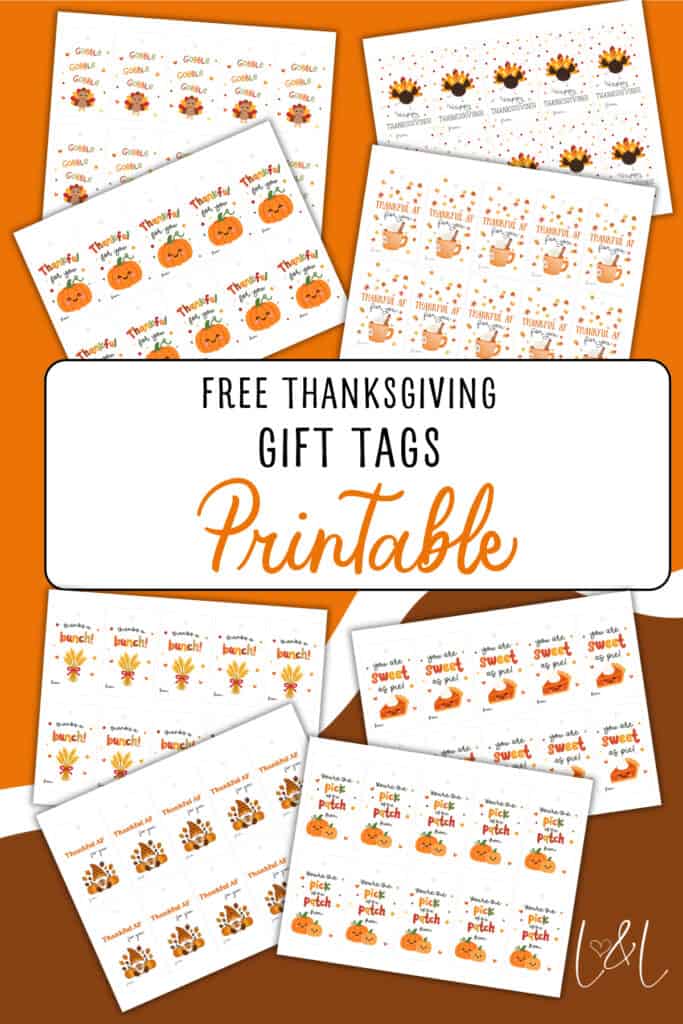
With Thanksgiving coming, it’s a great time to appreciate others and pairing a gift with a cute gift tag can just make it a little more special. So, here I have 8 free Thanksgiving gift tags I made that you can download, print, cut out and attach to small thankyou gifts. All gift label designs are in the same download so you can mix and match. Let me know in the comments which ones you liked most and how they worked out for you this Thanksgiving!
This printable works well for:
- Thanksgiving Gifts
- Coworker Appreciation Gifts
- Thanksgiving Gifts For Teachers
- Homemade Gifts
- Thanksgiving Dinner Favors
They look great on treat bags, table favors, or gift boxes. Use a hole punch and string, or tape/glue them right onto your packaging.
Designs
See the 8 gift tag designs below each with their own unique messages.



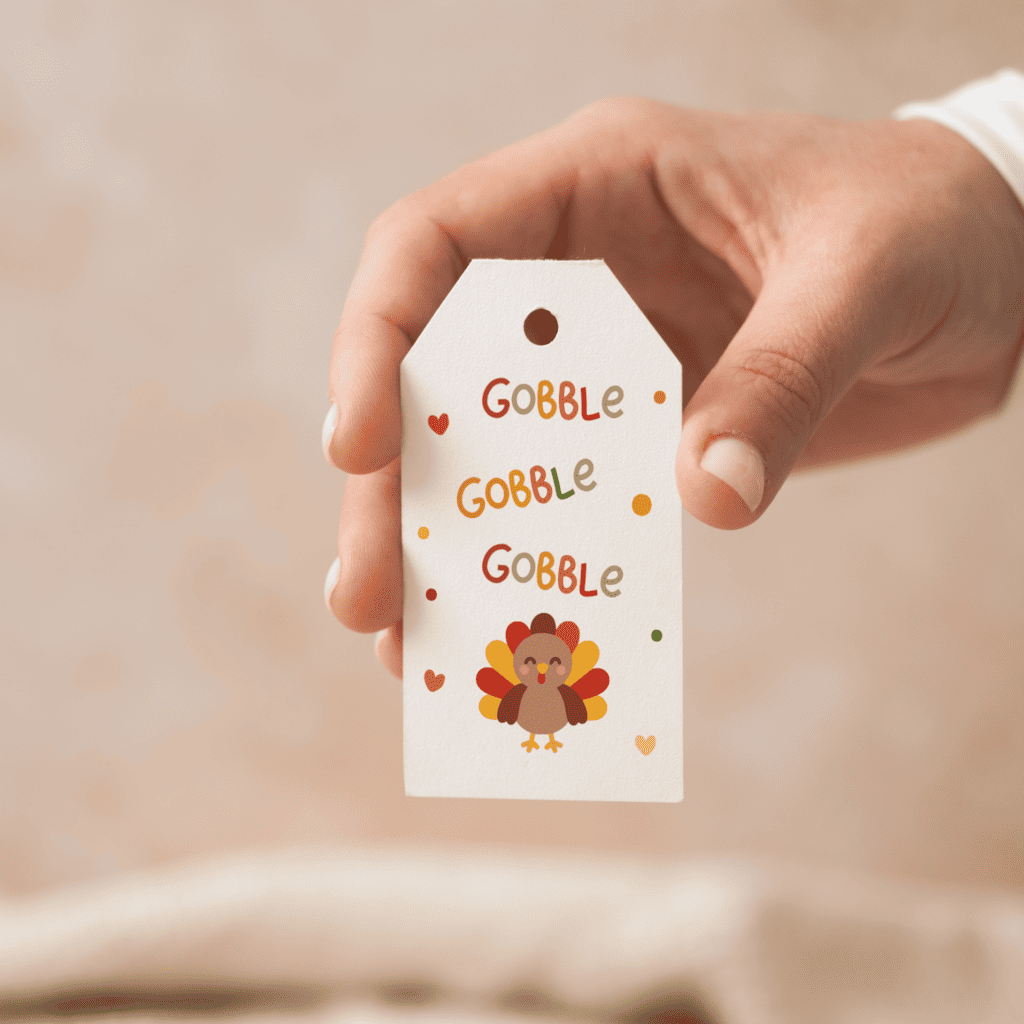



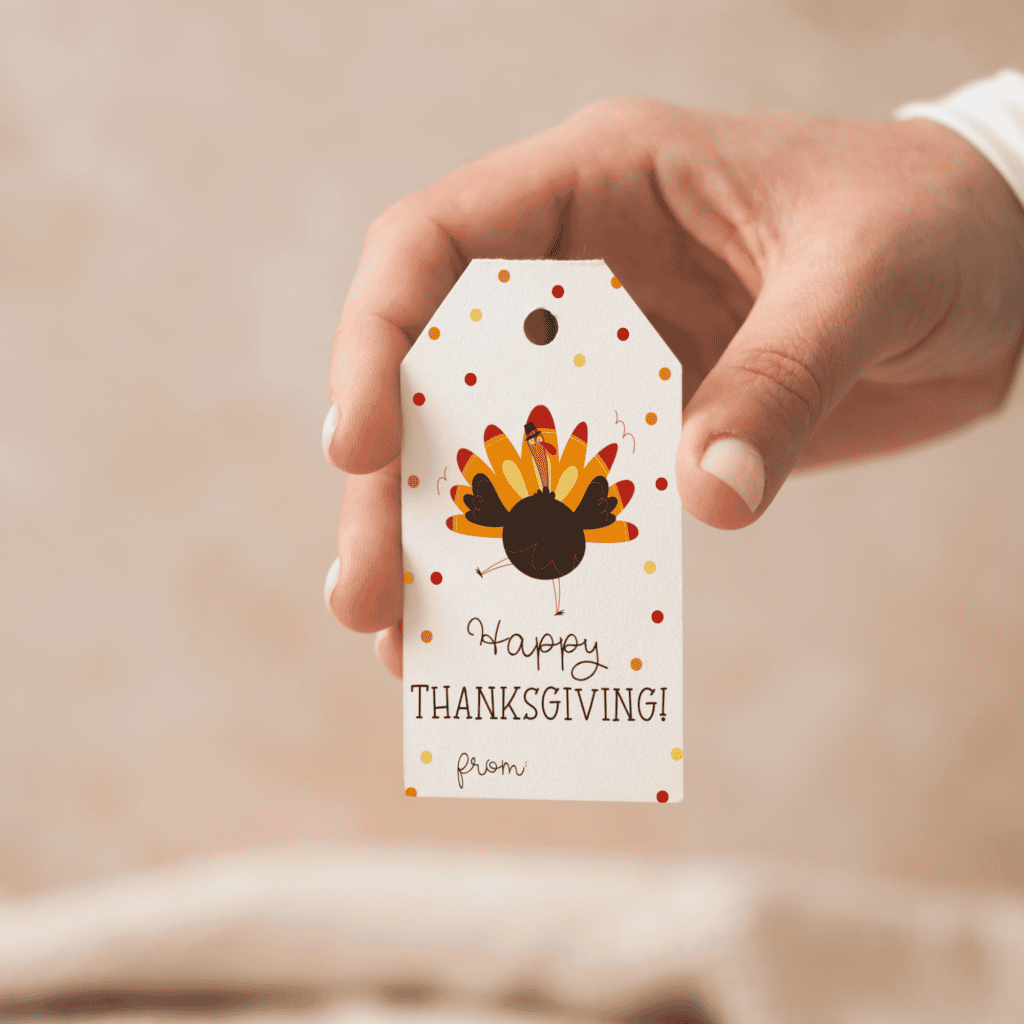
What’s included
- 1 PDF with all 8 designs
- 10 tags per page, one page per design (80 tags total)
- US Letter size
- Just print, cut, and attach
Printing tip: For best results, print on white cardstock so the tags hold their shape and color nicely.
Ways to Attach Your Tags
- Hole punch and string: This is the main way to use these designs. Just use a hole punch on the designated area of the design and tie it on with twine or ribbon.
- Tape or glue: If you don’t have twine or ribbon then sticking the gift tag on with tape or glue is your next best option
- Mini clothespin: This is a great option if you have a say a gift in a paper bag and you can just attach the tag and close the bag with a clothespin .
- Napkin ring: You could also use these gift tags as table favors and tie them around a rolled napkin with twine for the dinner table.
Get The Gift Tags
Get my FREE Thanksgiving Gift Tags – print, cut, and attach in minutes. Just click “Click to Subscribe” to have it sent to your inbox.
Click to subscribe and I’ll email your free download link right away.
Instant download. No spam. Unsubscribe anytime.
How to print at actual size
1. Open the Print dialog (Ctrl + P on Windows or ⌘ + P on Mac).
2. Under Page Sizing or Scale, select “Actual Size” or set Scale to 100 %.
3. Make sure “Fit to Page” or “Shrink to Fit” is turned off and Borderless printing is disabled.
4. Confirm the printer’s paper size matches your card (A5, US Letter, 5×7, etc.).
5. Click Print.
More freebies
- Hey Boo Free Printable Halloween Favor Tags
- Free Printable Baseball Thank You Tags
- Free Funny Christmas Favor Tags Printable